
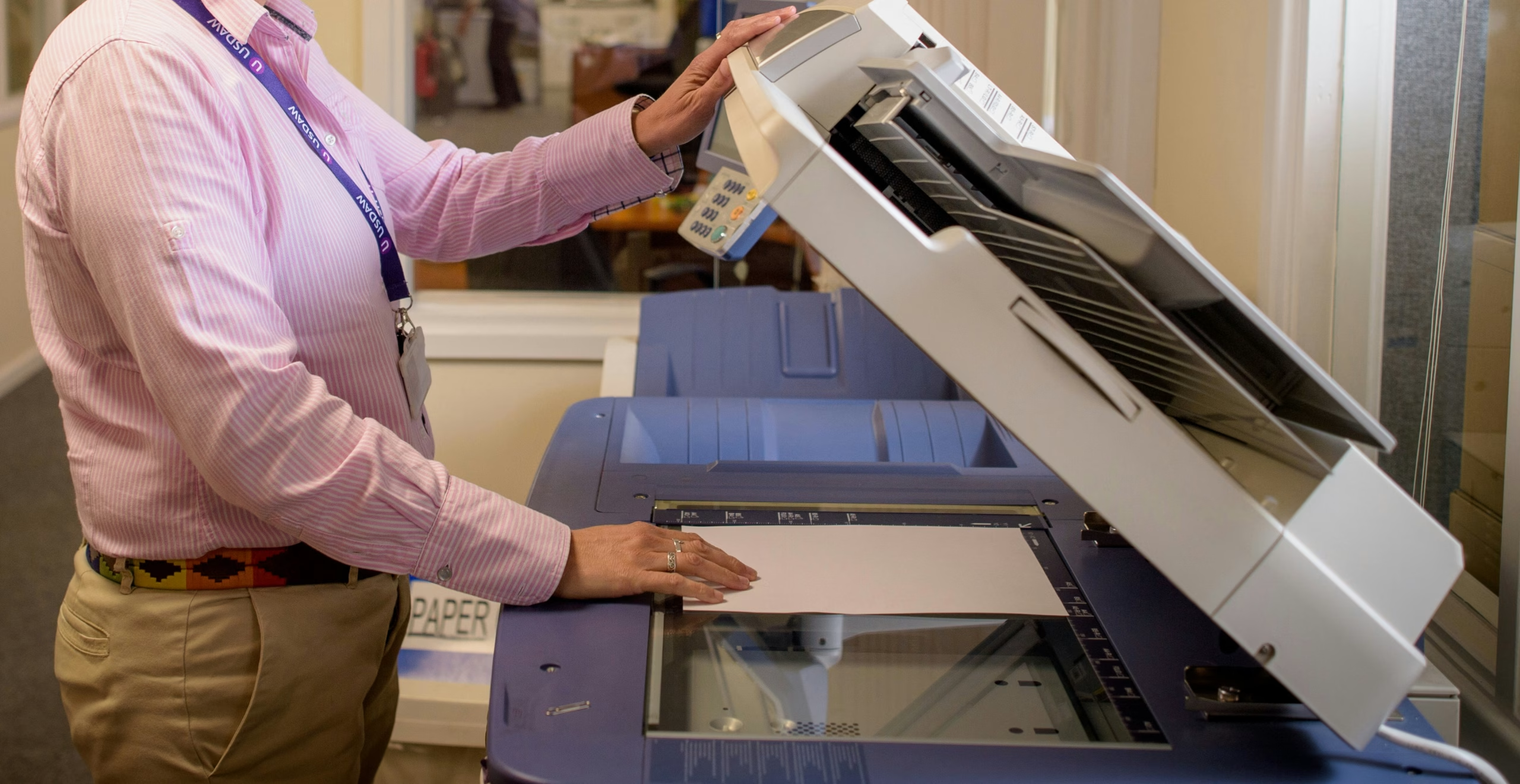

Document scanning means converting a physical document – a paper file, a printed form, a photograph, a drawing – into a digital file using a scanner or multifunction device. The resulting image is stored on a computer, server or cloud platform where it can be searched, shared, edited and protected far more easily than the paper original.
That is the short answer. The longer one matters more, because document scanning has quietly become one of the most important things UK organisations do with their information, and the gap between scanning a page and properly digitising a record is wider than most people realise.
What does it mean to scan a document?
To scan a document is to take a photograph of it using a device built for the job. A scanner shines light across the page, captures the reflection as a grid of pixels, and saves the result as a digital image file. The output looks like the original but exists as data rather than paper.
A single scan might take a couple of seconds. Production scanners used by professional bureaus can handle hundreds of pages per minute, processing on average over 100 pages per scanner per hour at a price per page that is typically lower than the cost of storing and retrieving the same files physically[1].
Is document scanning the same as digitisation?
Not quite. Scanning is the capture step. Digitisation is the whole programme.
A scanned document on its own is a picture of a piece of paper. You can see it, but a computer cannot read it, search inside it, or pull data out of it. Digitisation goes further: it adds optical character recognition so the text becomes searchable, applies indexing and metadata so the file can be retrieved, integrates the output into a document management system, and applies the security and governance controls needed to use it as a trusted record.
In practice, document digitization goes beyond simply scanning paper documents – it’s the full transformation of physical files into searchable, shareable, and secure digital files, including imaging, OCR, metadata tagging, indexing, and secure storage in a centralised document management system[2]. If a project stops at the image, you have scanned. If it covers everything else, you have digitised.
What is the difference between scanning and photocopying?
A photocopier produces another piece of paper. A scanner produces a digital file. Modern multifunction devices can do both, but the underlying operation is different: copying duplicates the document in physical form, scanning records it in electronic form so it can be stored, shared, edited or destroyed without ever printing again.
What is the process of document scanning?
In a professional setting, scanning a document involves more steps than people typically expect:
- Collection – documents are inventoried and securely transported from the client site to the scanning facility (or the scanning team works on-site for sensitive material).
- Preparation – staples, paperclips, binders and post-it notes are removed; torn pages are repaired; documents are sorted by type.
- Capture – pages are run through production scanners, usually at 200 to 300 dpi for standard text, and the resulting images are quality-checked for skewed pages, missed sheets and contrast issues.
- OCR – optical character recognition converts the image of text into actual machine-readable text, so the document becomes searchable.
- Indexing – each document is tagged with metadata: client reference, date, document type, case number, whatever the business uses to find things again.
- Delivery – the digital files are loaded into the client’s document management system, ERP, CRM or secure cloud platform.
- Disposition – the paper originals are returned, securely stored, or confidentially destroyed depending on the retention policy.
Preparation is usually the slowest step. Indexing is the one that decides whether the project succeeds or fails. Capture itself is fast and largely invisible when the rest of the workflow is set up properly.
What format are scanned documents saved in?
The most common output formats are PDF, multi-page TIFF, and JPEG. PDF is the default for most business records because it preserves the look of the document, supports multi-page files, and works with searchable-text overlays once OCR has been applied[3]. TIFF is used where archival quality matters – it is lossless and widely accepted in compliance and evidential contexts. JPEG is fine for photographs but less suitable for text-heavy records.
A well-run scanning programme will choose the format based on what the records are for: searchable PDFs for everyday operational documents, archival-grade TIFF for material that needs to last decades, and structured data extracts where the goal is to feed information into another system rather than store the document itself.
Can a scanned document be edited?
Not directly, but in two stages, yes.
A raw scanned image is essentially a picture. You cannot click into it and retype a word. Once optical character recognition is applied, the text underneath the image becomes editable, copyable and searchable. Software like Adobe Acrobat, Microsoft Word and most modern document management systems will let you open a scanned file, run OCR on it, and then edit the recognised text.
For business use, the more important question is usually not whether the scan can be edited but whether it can be trusted not to have been edited – which is the legal admissibility question below.
Are scanned documents legally valid in the UK?
Generally, yes – provided the scanning process can be shown to be reliable. UK courts have long accepted electronic images as evidence in the same way they accept photocopies or microfiche, subject to the authentication provisions of the Civil Evidence Act 1995 in England and Wales (and the equivalent 1988 Act in Scotland).
The practical standard organisations follow is BS 10008, the British Standard for evidential weight and legal admissibility of electronically stored information. BS 10008 provides organisations with a means to prove their electronic records are trustworthy and therefore can be used as evidence to resolve a dispute[4]. Scanning with a BS 10008-aligned provider does not guarantee admissibility – courts retain discretion – but it puts your records in a substantially stronger position if they are ever challenged.
For records containing personal data, UK GDPR and the Data Protection Act 2018 apply to the scanned versions exactly as they applied to the paper originals. A poorly governed scanning programme can introduce compliance exposure rather than reduce it, which is why competent providers build encryption, access control and audit trails into the capture process rather than bolting them on afterwards.
How is document scanning different from OCR?
Scanning produces an image. OCR turns that image into text.
A scan of an invoice is a picture: a human can read it, but a computer sees only pixels. Run OCR over it and the computer can now read the supplier name, the invoice number and the total. Run intelligent document processing on top of that and the computer can extract those fields, validate them, and post the data straight into an accounts system.
The two technologies almost always work together. When people talk about “modern” document scanning, they usually mean the combined workflow: capture, OCR, data extraction, and integration with downstream systems.
Why do businesses scan documents?
Four reasons, in roughly this order:
- Space and cost. A standard four-drawer filing cabinet occupies around six square feet of floor space, which at typical UK office rents of £15 to £65 per square foot translates to £90 to £390 per cabinet per year in rent alone, before equipment and supplies[5]. Multiply by the number of cabinets in most established offices and the figure becomes hard to ignore.
- Productivity. The average office worker spends 20 to 40 minutes a day looking for documents[5]. Digitised, indexed records collapse that to seconds.
- Compliance. UK GDPR, sector regulations, retention schedules and subject access requests are all easier to satisfy when records are searchable, access-controlled and audit-trailed rather than scattered across filing cabinets.
- Future use. Most of the AI, analytics and automation tools businesses now want to use depend on having information in a structured digital form. Industry estimates put 80 to 90% of enterprise data in unstructured form, and most of it lives in documents. Scanning is the bridge that brings that data into a form where it can be governed, searched, audited and used.
The short version
Document scanning means converting paper into digital files. Done casually – a multifunction device, a folder of PDFs – it solves a desk-tidying problem. Done properly, as part of a programme that covers preparation, OCR, indexing, secure delivery and ongoing governance, it turns a paper archive into a structured data asset that supports compliance, productivity and downstream use of information.
At Dajon Data Management we work with regulated UK organisations across financial services, insurance, pensions, construction, legal and the public sector to design and deliver scanning programmes that operate at the second level rather than the first. If your records still live in boxes, it is probably time for a different conversation about what scanning can do.
References
- Document Scanning: A Comprehensive Guide DocCapture[↩]
- Document Scanning: The Always Up-To-Date Guide Revolution Data Systems[↩]
- What is document scanning and why is it important? Bridge Partners[↩]
- What is BS 10008 Digital Octopii[↩]
- How Much Can a Business Save by Outsourcing Document Storage EvaStore[↩][↩]